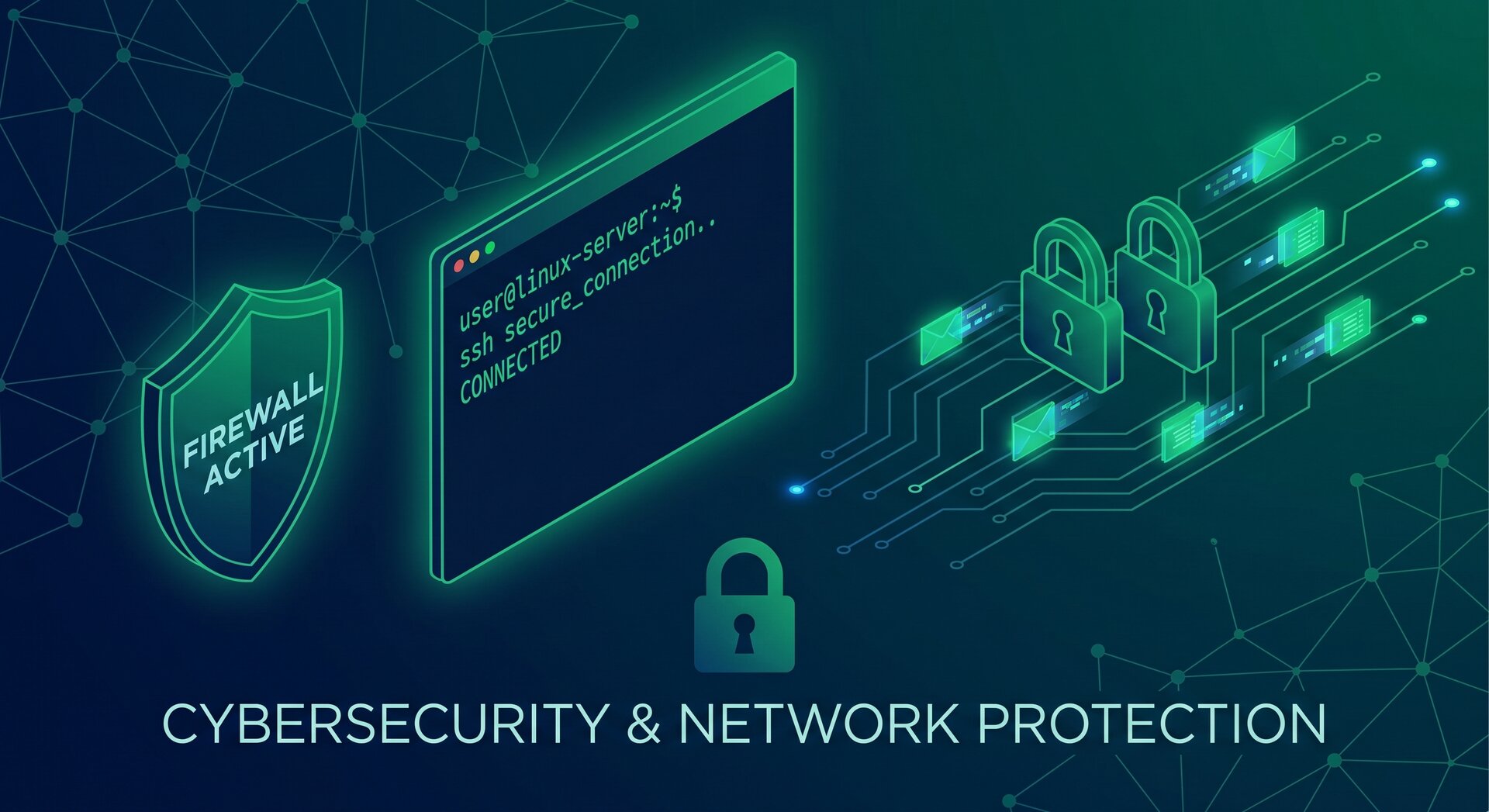
Linux SSH Security Hardening Guide 2026: Complete OpenSSH Firewall Configuration

In 2026, securing your Linux server starts with one critical service: SSH. As cyber threats evolve, proper SSH security hardening combined with firewall configuration is no longer optional—it’s essential. This comprehensive guide walks you through modern best practices for securing OpenSSH, implementing nftables firewall rules, and applying kernel-level hardening to protect your infrastructure.
Why SSH Security Hardening Matters in 2026
SSH (Secure Shell) is the primary entry point for remote server administration. Every exposed SSH port becomes a target for automated brute-force attacks, credential stuffing, and exploitation attempts. According to recent security research, improperly configured SSH services account for a significant percentage of successful server compromises.
The Linux SSH security hardening approach combines three critical layers: SSH authentication controls, network firewall protection, and system-level hardening. Together, these create a defense-in-depth strategy that significantly reduces your attack surface.
Essential SSH Configuration Settings for Maximum Security
Modern SSH security hardening starts with properly configuring your OpenSSH server. The goal is to eliminate weak authentication methods, enforce strong cryptography, and limit exposure. Here are the critical settings you must implement in
1 | /etc/ssh/sshd_config |
:
Disable Password Authentication
Password-based authentication is the weakest link in SSH security. Even strong passwords can fall to brute-force attacks given enough time. Force public key authentication exclusively:
- Set
1PasswordAuthentication no
to disable password login
- Set
1ChallengeResponseAuthentication no
to block keyboard-interactive
- Set
1KbdInteractiveAuthentication no
for comprehensive coverage
- Enable
1PubkeyAuthentication yes
and specify accepted key types
Use ED25519 or RSA keys with minimum 3072-bit length. ED25519 offers superior security with smaller key sizes and is the recommended choice for new deployments (see our tutorial on generating Ed25519 SSH keys for passwordless logins).
Restrict Root Login and User Access
Direct root login via SSH security hardening is a critical vulnerability. Even with key-based authentication, limiting root access reduces risk:
- Set
1PermitRootLogin no
to completely block root SSH access
- Use
1AllowUsers
or
1AllowGroupsto whitelist specific accounts
- Require administrators to use
1<a class="wpil_keyword_link" href="https://www.howto-do.it/what-is-sudo-superuser-do/" title="sudo" data-wpil-keyword-link="linked" data-wpil-monitor-id="1648">sudo</a>
from unprivileged accounts
- Lock the root password with
1passwd --lock root
to prevent local password login
This approach creates an audit trail and prevents attackers from directly targeting the root account through SSH security hardening measures.
Enforce Strong Cryptography Standards
Legacy ciphers and weak algorithms expose your SSH connections to downgrade attacks. Configure modern cryptography aligned with current best practices:
- Ciphers: Use
and
- MACs: Specify
and
- KexAlgorithms: Prefer
1curve25519-sha256
and similar modern exchanges
- Set
1Protocol 2
to ensure only SSH protocol version 2 is used
These settings eliminate vulnerable cipher suites while maintaining compatibility with modern SSH clients implementing SSH security hardening.
Implement Connection Controls and Rate Limiting
Proper session management prevents resource exhaustion and limits brute-force effectiveness:
-
1LoginGraceTime 30
— terminates unauthenticated connections after 30 seconds
-
1MaxAuthTries 3
— allows only 3 authentication attempts per connection
-
1MaxSessions 5
— limits concurrent sessions per network connection
-
1ClientAliveInterval 300
and
1ClientAliveCountMax 2— disconnects idle sessions
Consider changing the default SSH port (22) to a non-standard port like 2222. While this is security through obscurity, it dramatically reduces automated scan traffic and log noise in your SSH security hardening implementation.
Implementing Firewall Protection with nftables
A properly configured firewall is the second critical layer in SSH security hardening. Modern Linux distributions are transitioning to nftables, which offers superior performance and flexibility compared to legacy iptables.
Default-Deny Firewall Configuration
The fundamental principle of firewall security is default-deny: block everything except explicitly allowed traffic. This approach minimizes exposure and prevents unknown services from becoming attack vectors:
- Create an input chain with default DROP policy
- Allow established and related connections for stateful filtering
- Permit loopback interface traffic for local services
- Allow ICMP for network diagnostics (with rate limiting)
- Explicitly open only required service ports (SSH, HTTP/S, etc.)
This configuration ensures that even if an unauthorized service starts listening, the firewall blocks external access as part of comprehensive SSH security hardening.
SSH-Specific Firewall Rules and Rate Limiting
Beyond basic port allowance, implement connection rate limiting to slow brute-force attacks:
- Limit new SSH connections to 5 per minute per source IP
- Block sources that exceed authentication failure thresholds
- Use connection tracking to differentiate new vs. established sessions
- Consider geographic IP filtering if your administration is location-bound
Tools like Fail2Ban and SSHGuard automatically parse SSH logs and add blocking rules for repeat offenders (see our complete walkthrough on configuring automated IP bans with Fail2Ban). However, combine these with reverse path filtering (rp_filter) in sysctl to prevent IP spoofing attacks that could weaponize these tools for denial-of-service.
Kernel and System-Level Hardening
The third layer of SSH security hardening involves tuning the Linux kernel and system configuration to resist exploitation and reduce attack surface.
Network Stack Hardening with Sysctl
Configure kernel parameters in
1 | /etc/sysctl.d/ |
to harden the TCP/IP stack and network behavior:
- Enable reverse path filtering:
1net.ipv4.conf.all.rp_filter = 1
- Enable SYN cookies to resist SYN flood attacks:
1net.ipv4.tcp_syncookies = 1
- Disable ICMP redirects to prevent routing table manipulation
- Disable source routing to prevent packet routing attacks
- If IPv6 is unused, disable it entirely or firewall it separately
These settings protect the network layer that SSH traffic traverses, complementing your SSH security hardening configuration.
Restricting Kernel Features and Capabilities
Modern Linux kernels expose features that, while useful for containerization and development, can be exploited post-compromise:
-
1kernel.unprivileged_userns_clone = 0
— prevents unprivileged users from creating namespaces
-
1kernel.unprivileged_bpf_disabled = 1
— blocks unprivileged BPF program loading
-
1kernel.kptr_restrict = 2
— hides kernel pointers to resist exploitation
-
1net.core.bpf_jit_harden = 2
— hardens BPF JIT compiler against attacks
If you don’t need unprivileged namespaces for containers or development, disabling them significantly reduces your kernel attack surface as part of comprehensive SSH security hardening.
File Permissions and Umask Configuration
Proper file permissions prevent lateral movement and data exposure if an attacker gains shell access:
- Set restrictive umask:
1UMASK 0077
makes new files private by default
- Ensure home directories are mode 700 (owner-only access)
- Set
1~/.ssh
directories to 700 and
1authorized_keysto 600
- Audit world-readable files in sensitive directories
These measures contain breaches and prevent privilege escalation through file system access, enhancing your overall SSH security hardening posture.
Monitoring, Logging, and Continuous Security
SSH security hardening is not a one-time configuration—it requires ongoing monitoring and adjustment.
Centralized Logging and Alert Configuration
Effective security monitoring depends on comprehensive, centralized logging:
- Configure SSH to use
1LogLevel VERBOSE
for detailed authentication records
- Centralize logs using rsyslog or journald with remote forwarding
- Set alerts for multiple failed login attempts, new key additions, and privilege escalation
- Retain logs for compliance and forensic analysis (minimum 90 days recommended)
Automated monitoring tools can detect anomalies like login attempts from unexpected geographic locations or unusual command patterns, strengthening your SSH security hardening implementation.
Regular Security Audits and Updates
Maintain security through consistent practices:
- Review and update SSH configuration quarterly or when new vulnerabilities emerge
- Audit authorized_keys files for unauthorized or forgotten public keys
- Apply security patches promptly—subscribe to distribution security advisories
- Perform penetration testing and configuration scanning (OpenSCAP, Lynis, etc.)
- Document configuration changes and maintain a hardening baseline
Consider automated compliance tools like Wazuh that continuously assess your configuration against security benchmarks and can automatically remediate drift from your SSH security hardening baseline.
Advanced SSH Security Techniques
For high-security environments, consider these additional SSH security hardening measures:
Multi-Factor Authentication for SSH
Combine public key authentication with time-based one-time passwords (TOTP) using Google Authenticator PAM module or similar solutions. This creates true two-factor authentication: something you have (private key) plus something you know (TOTP code).
SSH Certificates and Certificate Authorities
In larger environments, managing individual authorized_keys files becomes unwieldy. SSH certificates signed by a trusted CA provide centralized key management, automatic expiration, and fine-grained access control without distributing public keys to every server.
Bastion Hosts and Jump Servers
Never expose production servers directly to the Internet. Deploy a hardened bastion host as the sole SSH entry point. All administrators connect to the bastion first, then jump to internal servers. This concentrates security controls and logging at a single chokepoint, dramatically improving your SSH security hardening architecture.
VPN-Only SSH Access
The most secure approach: require VPN connection before allowing SSH access. The firewall blocks SSH from the public Internet entirely, permitting connections only from the VPN subnet. This eliminates public SSH exposure completely while maintaining remote administration capability.
Common SSH Security Hardening Mistakes to Avoid
Even experienced administrators make configuration errors that weaken security:
- Disabling StrictHostKeyChecking in client configs (enables man-in-the-middle attacks)
- Using weak passphrases on private keys or leaving keys unencrypted
- Failing to remove authorized_keys entries for departed staff
- Running SSH on the same server with untrusted web applications
- Neglecting to monitor SSH logs or ignoring suspicious activity patterns
- Applying hardening without testing in non-production first
Each of these mistakes can undermine otherwise solid SSH security hardening implementations. Establish operational processes that prevent these common pitfalls.
SSH Security Hardening Checklist for 2026
Use this prioritized checklist to implement comprehensive SSH security hardening:
- Configure nftables or UFW with default-deny policy; allow SSH from authorized sources only
- Update sshd_config: disable passwords, disable root login, restrict users, enforce strong ciphers
- Set restrictive umask (0077), fix home and .ssh directory permissions, remove unused accounts
- Lock root password, enforce strong password policies via PAM, configure account lockout
- Apply sysctl hardening for networking, disable unprivileged namespaces and BPF, hide kernel pointers
- Deploy SSH brute-force protection (Fail2Ban/SSHGuard) with monitoring and alerting
- Establish regular patching cadence and subscribe to security advisories
- Document configuration baseline and review quarterly
For mission-critical systems, add: multi-factor authentication, SSH certificates, bastion hosts, and VPN-only access restrictions.
Conclusion: Building a Secure SSH Foundation
Effective SSH security hardening in 2026 requires a multi-layered approach: strong SSH configuration, robust firewall protection, kernel hardening, and continuous monitoring. No single measure provides complete security—defense in depth is essential.
Start with the fundamentals: disable password authentication, implement a default-deny firewall, and apply basic sysctl hardening. From this foundation, add advanced measures like multi-factor authentication and bastion hosts based on your security requirements and threat model.
Remember that security is a continuous process, not a one-time configuration. Regular audits, prompt patching, and vigilant monitoring ensure your SSH security hardening remains effective against evolving threats. By following the practices outlined in this guide, you’ll establish a strong security posture that protects your Linux infrastructure while maintaining the administrative access you need.
- About the Author
- Latest Posts

Mark is a senior content editor at Text-Center.com and has more than 20 years of experience with linux and windows operating systems. He also writes for Biteno.com